
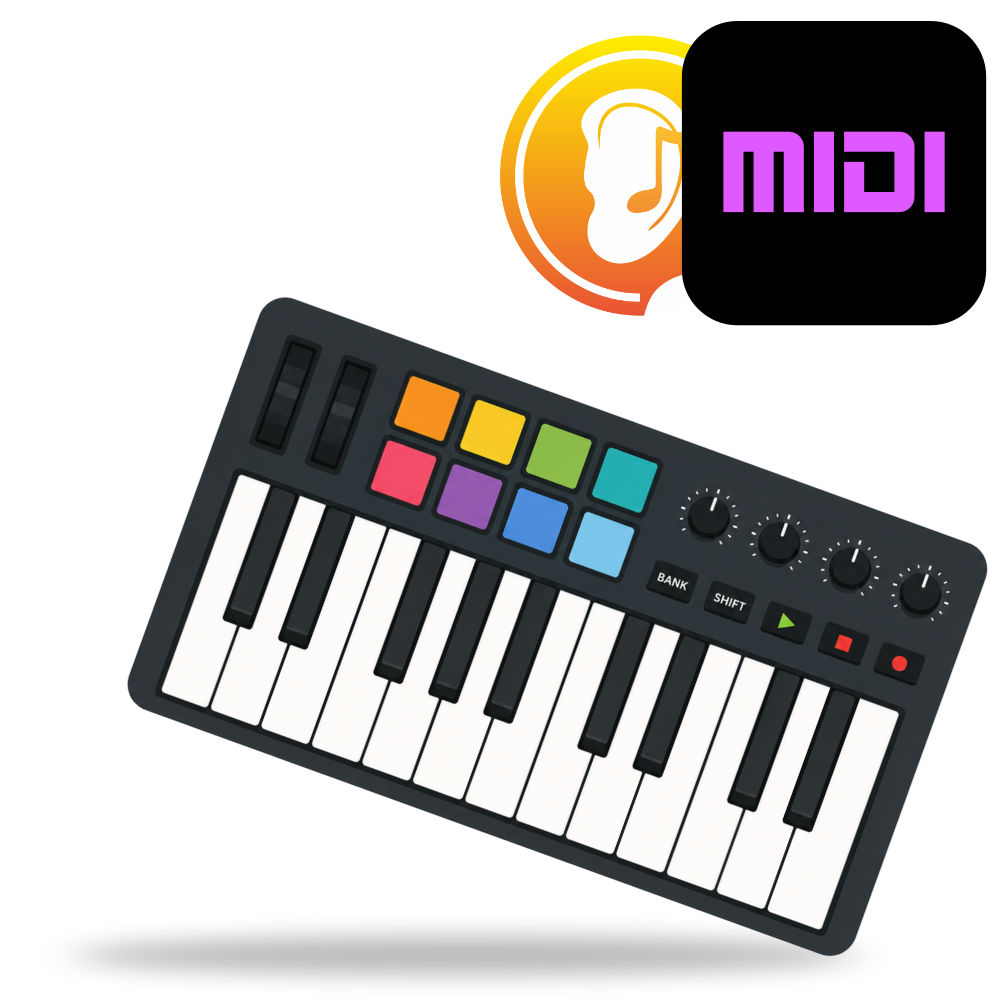
What is MIDI?
The language that made electronic instruments talk to each other
MIDI (short for Musical Instrument Digital Interface) is a technical standard that allows electronic musical instruments, computers, and other music equipment to communicate with each other. Introduced in 1983, it is one of the most enduring technologies in music: more than four decades later, a MIDI file created on a Commodore 64 still opens and plays on a modern laptop or smartphone.
The key idea to understand about MIDI is that it does not carry sound. MIDI carries instructions about music: which note was played, when, how hard, for how long, on which instrument, and with which effects. It is often described as the musical equivalent of a sheet of paper: a piano roll or a score that tells a performer what to play, but makes no sound by itself. The actual sound is produced by whatever instrument (or software) receives those instructions.
What is MIDI used for?
Because MIDI is just a compact stream of performance instructions, it powers a huge part of modern music-making:
- Playing virtual instruments: when you press keys on a MIDI keyboard connected to a computer, the computer's software synthesizers turn the instructions into sound.
- Recording and editing music: a MIDI recording in a DAW (Digital Audio Workstation) can be edited note by note: fix a wrong note, change the timing, transpose to another key, or swap a flute for a trumpet, all after the fact. With audio recordings, none of that is possible.
- Sequencing and production: entire arrangements can be built from MIDI tracks, driving drum machines, samplers, and orchestral libraries.
- Live performance: MIDI controls stage lighting, patch changes on guitar multi-effects, synthesizer parameters, and backing tracks.
- Education and practice: ear training and music theory software such as EarMaster can use MIDI to listen to your performance on a real instrument, or to play exercises through the sound engine of your choice.
- Notation: MIDI files can be imported into score editors to produce printable sheet music.
A short history
Before MIDI, electronic instruments from different manufacturers had no common language. In the early 1980s, connecting a synthesizer from one brand to a drum machine from another required incompatible proprietary interfaces, if it was possible at all. In 1981, several Japanese and American manufacturers, most notably Dave Smith (Sequential Circuits) and Ikutaro Kakehashi (Roland), proposed a universal standard. The specification was finalized in 1983, and the first MIDI-equipped instruments, a Sequential Circuits Prophet-600 and a Roland Jupiter-6, famously demonstrated the new connection at the NAMM show that year.
Dave Smith and Ikutaro Kakehashi received a Technical Grammy Award in 2013 for their role in creating MIDI, which the Recording Academy called "a small ubiquitous device that has had an enormous impact on music and audio."
How MIDI works
MIDI messages
A MIDI connection carries messages, each describing a single musical event or instruction. The most important ones are:
- Note On / Note Off: a key was pressed or released, with a note number (0-127, where middle C is 60) and a velocity value (0-127) indicating how hard the key was struck.
- Control Change (CC): the movement of a controller, such as a modulation wheel, a sustain pedal, a volume fader, or an expression pedal. CC messages are what give MIDI performances their human feel.
- Program Change: switches the receiving instrument to another patch or sound (for example from piano to strings).
- Pitch Bend: a continuous value that bends the pitch up or down, used for expressive sliding notes.
- Aftertouch: pressure applied to keys after the initial press, often used for vibrato or other expressive effects.
- System messages: timing clocks, synchronization, and housekeeping data shared by all devices on the connection.
MIDI channels
A single MIDI cable can carry 16 channels of information at once. Each message is tagged with a channel number, so one cable can control 16 different instruments: channel 1 might drive a piano, channel 10 traditionally drives the drum kit, channel 3 the bass, and so on. This is how a single MIDI file can play a full-band arrangement.
MIDI ports and cables
Classic MIDI hardware uses 5-pin DIN cables with three types of port: MIDI In, MIDI Out, and MIDI Thru (which passes the incoming signal through to the next device in a chain). Over time, MIDI also migrated to USB and to network-based transports, and since 2020 the official MIDI 2.0 specification adds higher resolution (32-bit values), bidirectional communication, and per-note expression, while remaining backward compatible with MIDI 1.0.
General MIDI: the standard sound set
One famous extension of MIDI is General MIDI (GM), introduced in 1991. GM defines a standard set of 128 instrument sounds (plus a percussion kit on channel 10) with fixed program numbers: program 1 is always an acoustic grand piano, program 41 always a violin, and so on. Before GM, a MIDI file playing on a different synthesizer could sound completely different, or plain wrong: the piano part might come out as a tuba. Thanks to General MIDI, a MIDI file plays back with recognizable, correctly assigned instruments on virtually any device made in the last 30 years.
You can browse the complete catalog in our article: List of General MIDI Instruments.
Why MIDI is not (audio) quality
A common beginner's confusion is expecting a MIDI file to "sound better" when recorded at a higher quality. Since MIDI contains no audio at all, there is no such thing as MIDI sound quality: the result depends entirely on the sound engine used to play the instructions back. The same MIDI file played through a phone's built-in synth and through a professional orchestral sample library sounds completely different, while the musical content, the notes, the timing, the expression, remains strictly identical.
MIDI and ear training
MIDI plays a discreet but important role in music training software. Because MIDI is precise, structured music data, an ear training or sight-singing application can use it to:
- Play exercises with any sound engine, from simple synth tones to realistic sampled instruments
- Record and analyze your performance in detail (pitch accuracy, timing, velocity)
- Give instant, objective feedback on your answers
- Adapt exercises to what you play in real time
In other words, the same "sheet of instructions" principle that made MIDI revolutionize music production also makes it a perfect medium for training your ears: the computer knows exactly which note you played, when, and how close you were, which is precisely the feedback loop you need to progress.
Summary
MIDI is the universal language of electronic music: a compact, soundless stream of instructions describing what is played and how. Born in 1983 from a rare industry-wide cooperation, it remains the backbone of music production, live performance, notation, and music education software. Understanding MIDI, especially the difference between the instructions (MIDI) and the sound (the instrument playing them), will save you a lot of confusion and open the door to the entire world of computer-based music-making.


